
Rotary Club Central (note you must log into My Rotary to access Rotary Club Central) is Rotary International’s online goal-setting and tracking tool. It helps Rotary and Rotaract clubs plan their year, record goals, and monitor progress across key areas of club life.
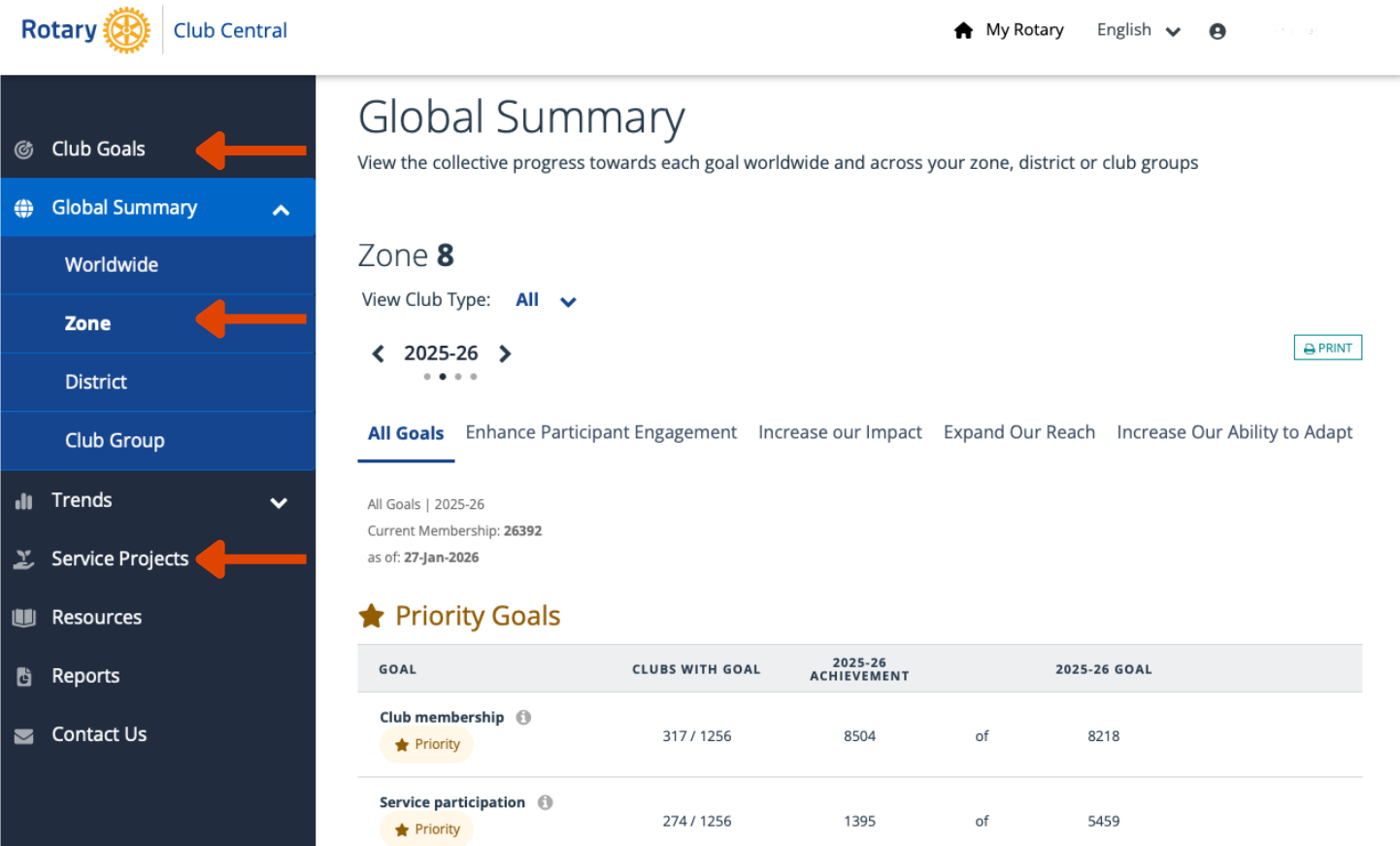
What It Is?
- An online platform on the Rotary.org website, accessed through a My Rotary login.
- Designed to help clubs think strategically, set realistic goals, and work toward achieving them.
- Clubs can set goals in areas such as membership growth, service projects, Rotary Foundation giving, public image, and club experience—which align with Rotary’s priorities.
What It’s Used For?
- Goal Planning: Clubs define what they want to achieve during the Rotary year (and even up to three years ahead).
- Tracking Progress: Clubs update progress toward goals throughout the year, helping leadership and members stay focused.
- Recording Achievements: It creates a historical record of accomplishments useful for leadership transitions and future planning.
- Recognition & Awards: It supports reporting toward Rotary’s citations and awards (like the Club or Rotaract Club Excellence Award) by demonstrating goal completion.
Who Can Use It?
- Club leaders (e.g., president, secretary, foundation chair) can set and edit goals for their term.
- All club members can view their club’s goals and progress.
- District leaders and Rotary International can see the goals entered by clubs, aiding support and benchmarking.
Who to access?
- Log in to My Rotary on Rotary.org and open Rotary Club Central from the member tools area.
In essence, Rotary Club Central is a centralised place for clubs to plan, act, measure, and celebrate their work within the broader mission of Rotary.
How Rotary Club Central helps your club
- Set clear goals for the year across areas such as membership, service, The Rotary Foundation, public image, and club experience.
- Track progress during the year so leaders and members can see what’s on track and what needs attention.
- Support continuity by recording results that future boards can build on (less rework, stronger momentum).
- Evidence for recognition by showing goal completion and outcomes (useful when working toward Rotary citations/awards).
Practical tip
Update Rotary Club Central regularly (monthly works well). It keeps your board aligned and makes year-end reporting much easier.